Screens
Shot on device, not mocked up.
Every pixel below is the current Android build. Dark Samsung-inspired theme, one-handed friendly, haptic feedback on every tap.
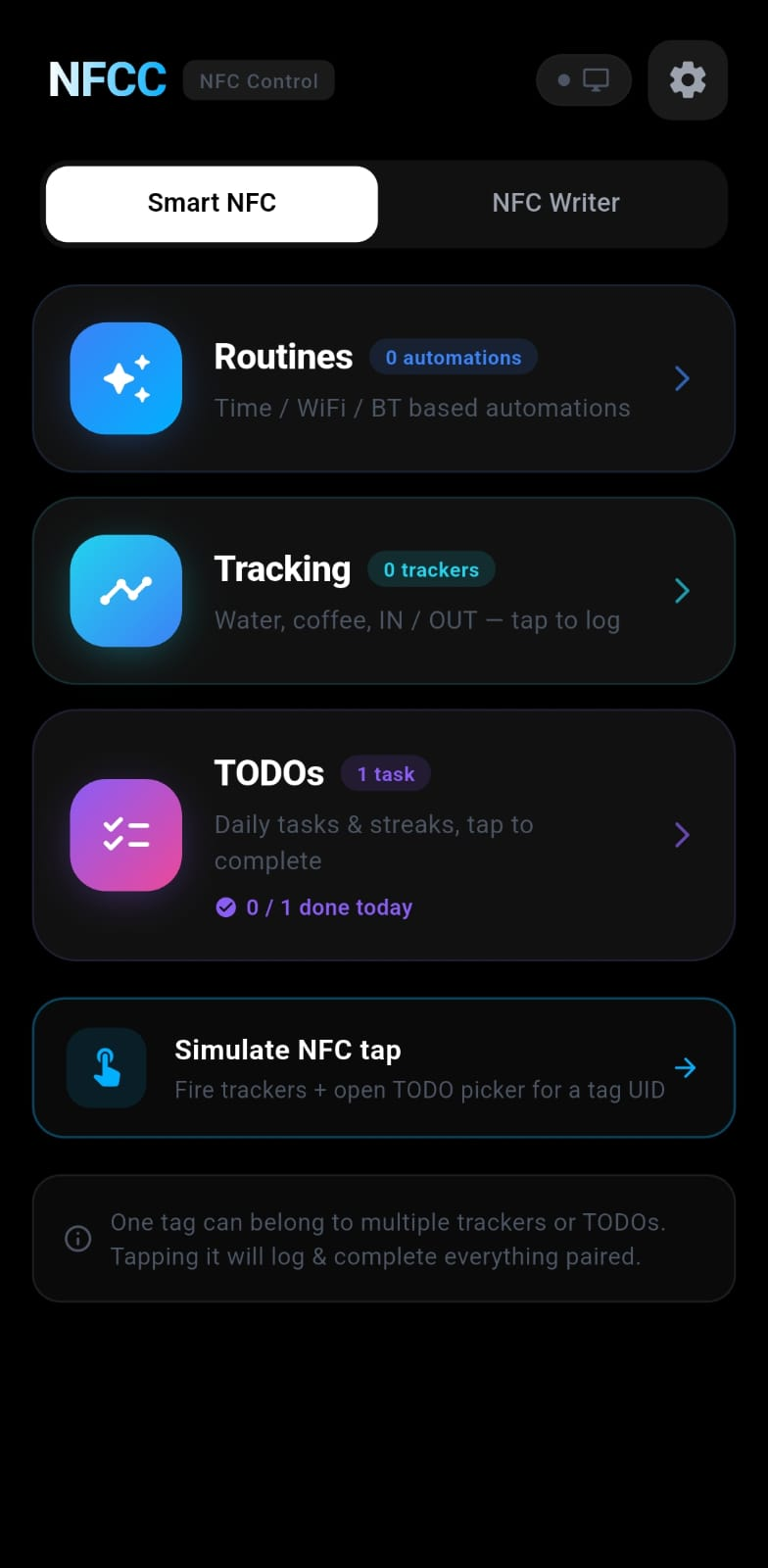
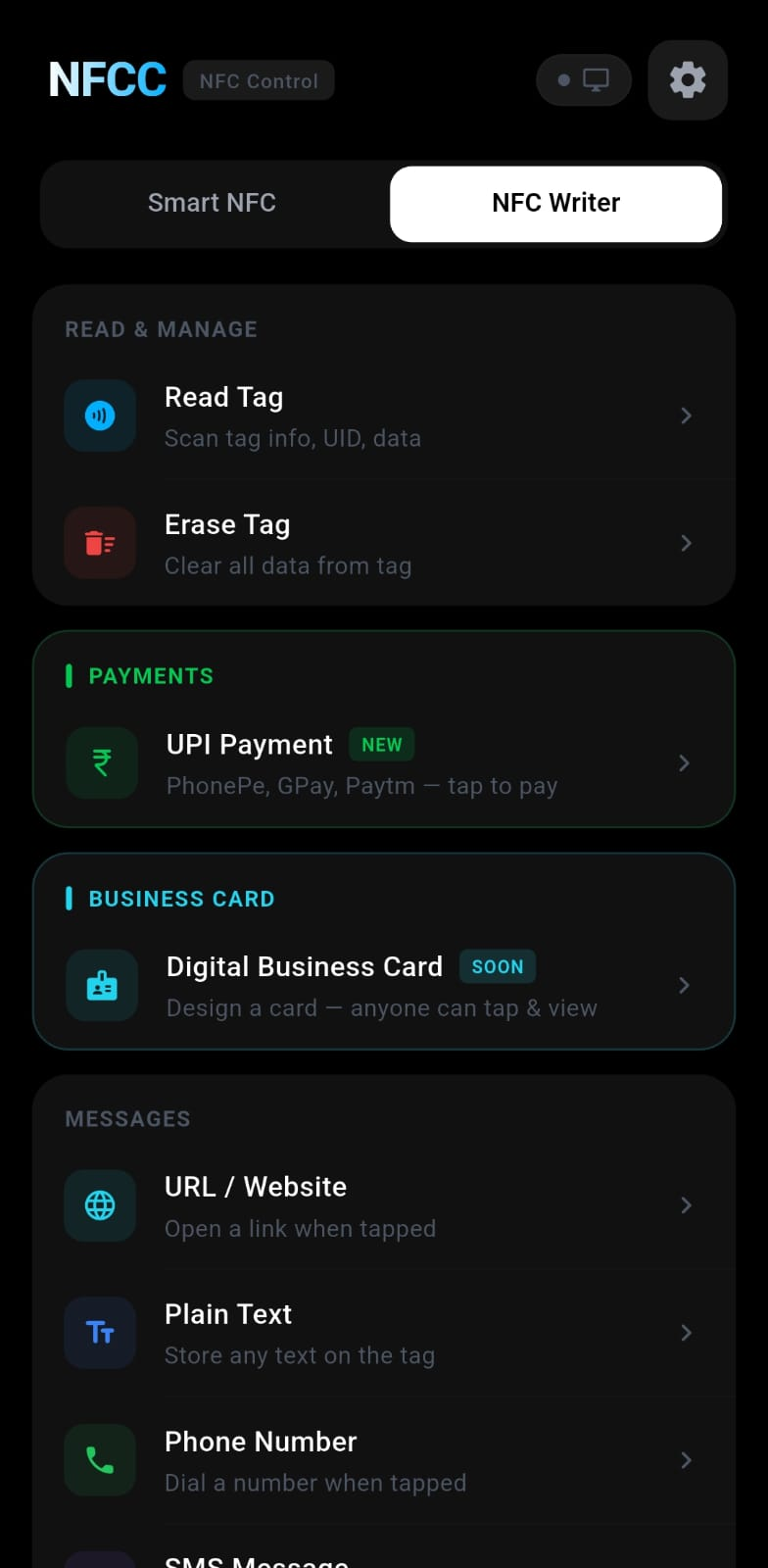
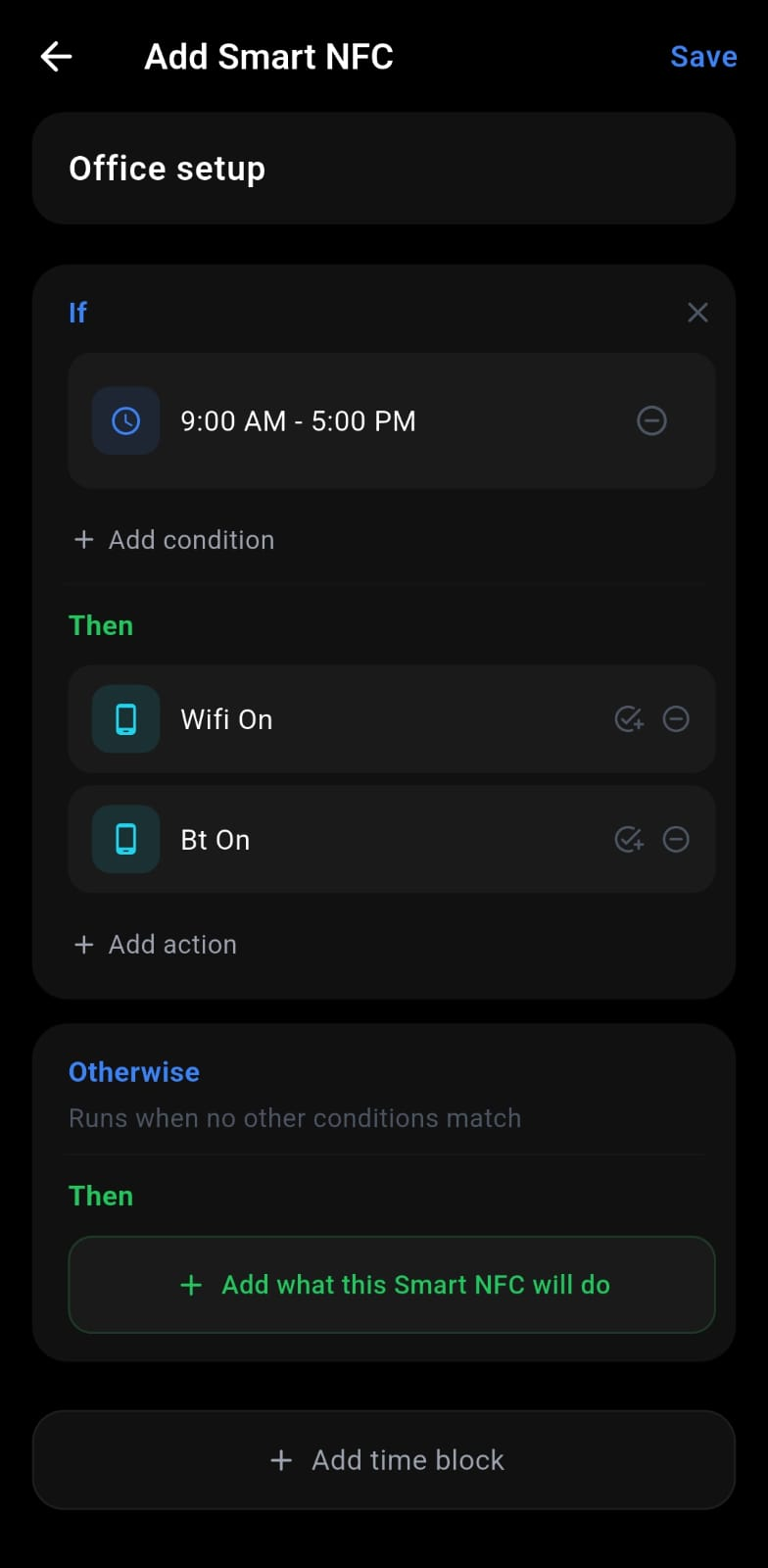
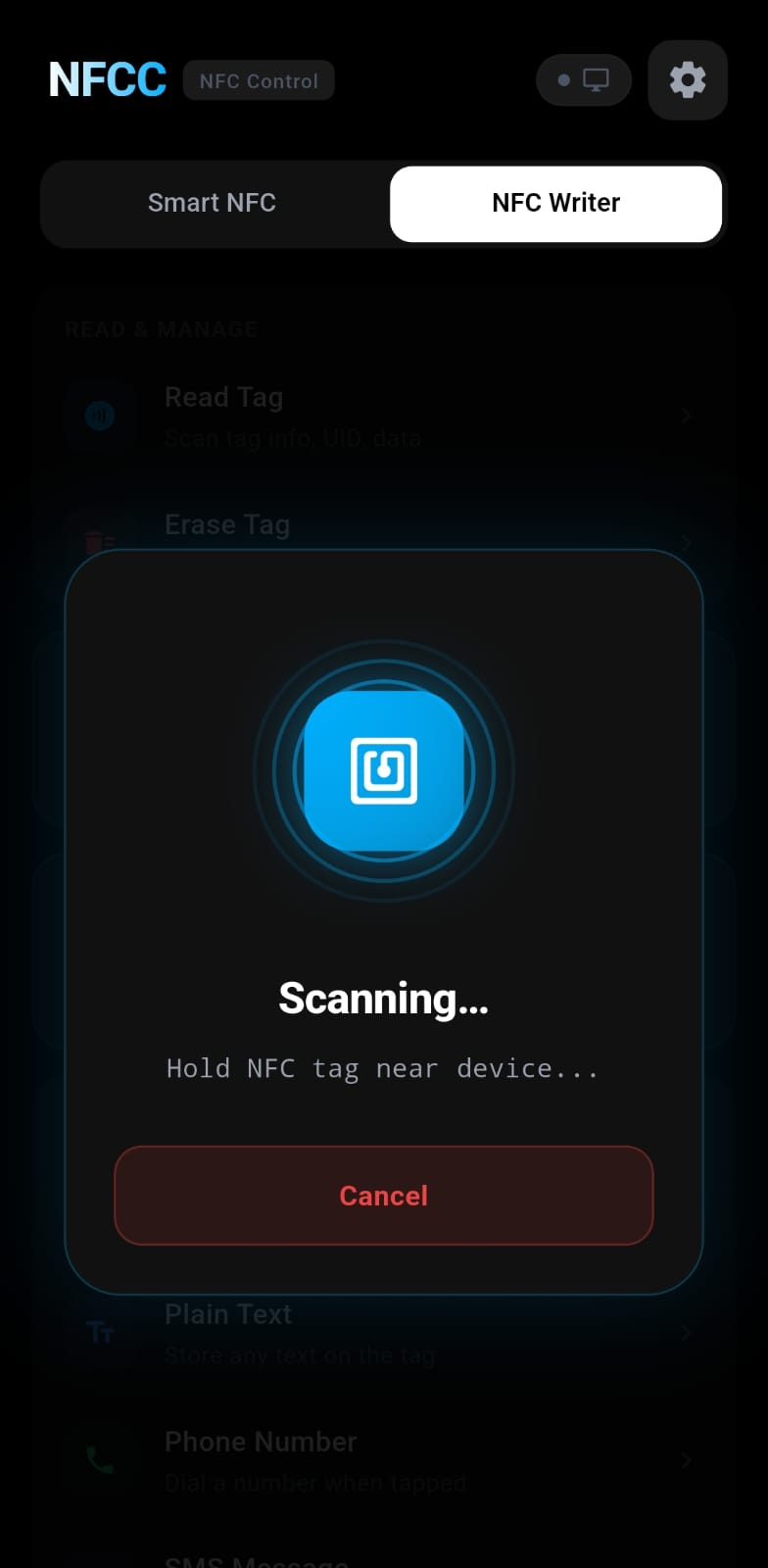
One NFC tap can fire a routine, log a glass of water, complete a daily TODO, and launch a folder in VS Code on your PC — all at once. Local-first, no cloud, no tracking.
NFC tags store only an ID. Every decision — conditions, branches, actions — lives inside the app, fully editable and offline-ready.
Stick an NFC tag anywhere — desk, wall, keychain. One tap reads its unique UID in under a second.
Time of day, weekday, current Wi-Fi, Bluetooth state — IF/ELSE branches pick the right response automatically.
Fire phone actions, toggle PC apps, adjust volume, launch IDEs — one tap, two devices, zero friction.
Not another toy. Every feature here exists because a routine needed it — offline reliability, deep context, and true cross-device control.
IF/ELSE automations over time, weekday, Wi-Fi SSID, and Bluetooth state. Chain phone + PC actions per branch.
Counters (water, coffee, calories) and state-aware IN / OUT toggles (home, office, gym). Goals, streaks, logs.
Daily tasks with streak counters or one-off lists. Optional reminder time. Tap a paired tag to complete.
A single tag can fire a routine, log multiple trackers, and tick off several TODOs in one tap.
URL, Wi-Fi, SMS, email, phone, location (map picker), app launcher, UPI payment links — NTAG213/215/216.
22 preset PC apps (VS Code, Chrome, Terminal, Explorer, …). Pass a folder path to open it in VS Code on one tap.
Phone survives WiFi hops and DHCP renewals — UDP rediscovery refreshes the stored IP within seconds.
One binary, status/pair/dashboard/reconnect/forward/action from any terminal. UPnP port forwarding included.
Every tag, log, TODO, and tracker lives on your device. No account, no analytics, no tracking — F-Droid ready.
Scan a QR, pair over local Wi-Fi, and command your desktop from your pocket. No cloud, no accounts, no latency.
Create automations, write NFC tags, and track every tap. A Samsung-inspired dark UI built for one-handed use.
A lightweight system-tray companion that listens for commands and executes them instantly. Auto-discovery over UDP.
Every pixel below is the current Android build. Dark Samsung-inspired theme, one-handed friendly, haptic feedback on every tap.
Chain any combination. Reorder with a drag. Each automation runs actions sequentially with smart delays.
Everything runs on your LAN. NFC tags only store a UID — all logic, routing, and state stays on your devices.
Five phases complete. The v1.0 release is polished and ready — the next phases bring richer conditions and cloud sync.
Flutter scaffold, Samsung theme, SQLite schema, NFC read/write/format.
IF/ELSE branches over time / weekday / Wi-Fi / Bluetooth. 28 phone actions.
Python tray, WebSocket, 32 actions, UDP discovery, QR pair.
Routines + Tracking (counters + IN/OUT) + TODOs (streaks + reminder time).
NFCC_T: / NFCC_D: NDEF so one physical tag re-pairs on any device.
NFCC-PC terminal command, port fallback, auto-reconnect, UPnP forwarding.
Auto-reconnect on launch, multi-NIC discovery fix, bulletproof service detach, NFCC-PC health.
RFP submitted. Build recipe with auto-update on tags. Next: store listing.
Open source and MIT licensed. Every build is produced by GitHub Actions from the main branch.
NFCC is MIT, ad-free, tracker-free, and paid for out of pocket. If it saves you time, a monthly sponsorship keeps the releases, server costs, and F-Droid builds coming.